訂購產品一般會在 3-4個工作日內送抵香港 (視地點而定)。
訂購金額達 港幣$330或以上即可免費運送至香港。 訂單金額低於 港幣$330則需收取運費 港幣$125。
UPS、FedEx 或 DHL 運費預付: CPT (相關稅賦與關稅在送達時收取)
合格機構與公司的信用帳戶
電匯預先付款
![]()
![]()
![]()
![]()


來自完整授權夥伴的更多產品
平均到貨時間為 1 至 3 天,可能需支付額外運費。 請參見產品頁面、購物車與結帳畫面瞭解實際的運送時程。
國貿條規:CPT (關稅和適用的 VAT/稅賦會在送達時收取)
如需更多資訊,請造訪說明與支援
In this tutorial, we'll provide a quick rundown of each part in the kit, to help reinforce your understanding of the component. For some parts, we'll include an example application, in case you're in need of a circuit to plug your new toys into.
In this tutorial, we'll discuss how the time is set with the on board six DIP switch and use a microcontroller to turn it off when a task is finished.
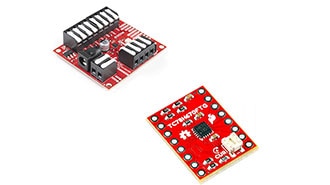
SparkFun ProDriver and Mini Stepper Motor Driver utilize the latest TC78H670FTG stepper motor driver from Toshiba. With two different methods for control (serial communication or clock-in stepping) this is a great option for your next project that requires precise motor control.
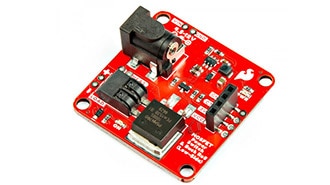
This tutorial will guide you through using the SparkFun MOSFET Power Switch and Buck Regulator (Low-Side) with your Arduino projects.
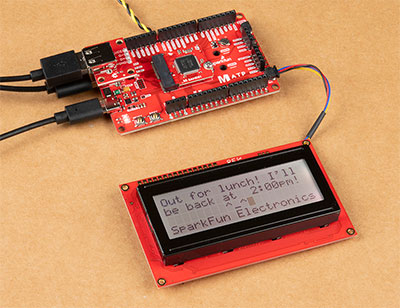
To help notify others of where I may be, I made the Qwiic-enabled digital desk sign using the SAMD51's USB host and a USB keyboard to type short custom messages while I am away!
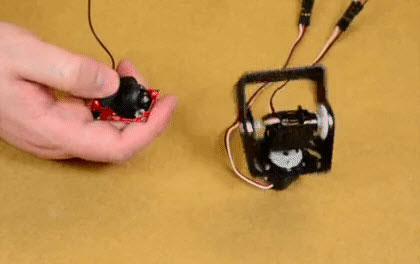
We will cover some basics of controlling servos with code using the Arduino IDE and Python, and provide an example that requires no programming at all.

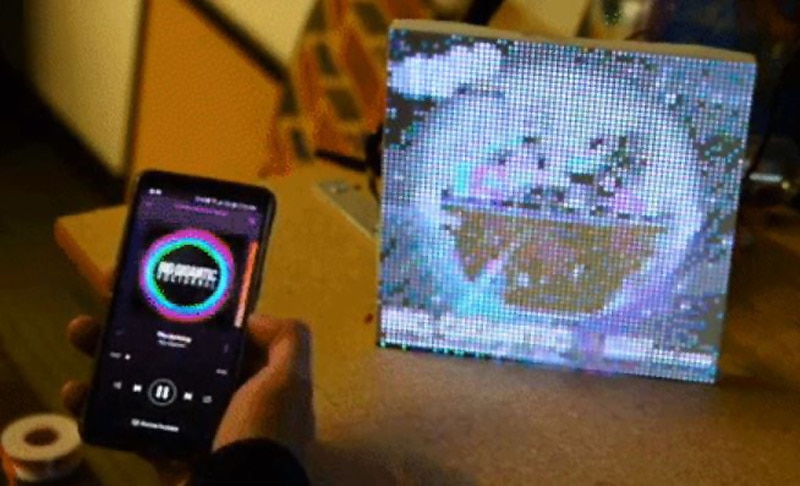
In the past couple weeks I've been experimenting with LuMini Rings and RGB Matrix Panels. Some interesting examples to make them really pop.
Knock out your next design with a colorful LED Matrix display that can make designing easier with moving RGB LEDs built into a cost effect panel.
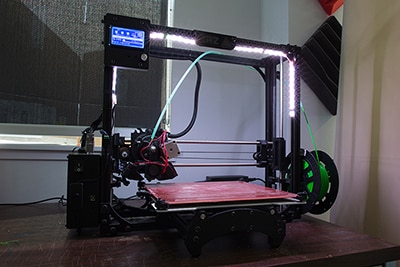
In this tutorial, we will be using a LED strip to light up the print bed on a LulzBot 3D printer!
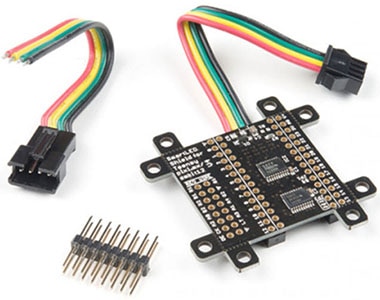
This tutorial will show you how to connect, power, and control the LED segments with an Arduino.