Settings
 Fast Delivery
 Free Shipping
 Incoterms
 Payment Types


 Marketplace Product

Mfr Part # DRI0002
EVAL BOARD FOR L298
DFRobot

License: GNU Lesser General Public License Microcontrollers Motors PWM Serial / UART Arduino
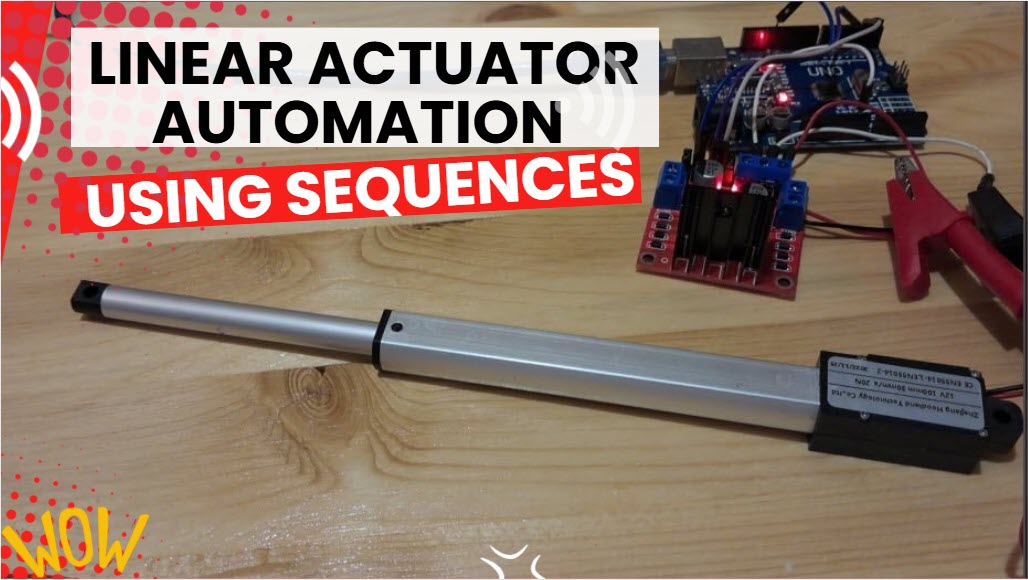
In this simple tutorial, you will learn how to control the position of a linear actuator using the Arduino and L298N DC motor driver.
Watch the video!
Learn more about Visuino: What is Visuino
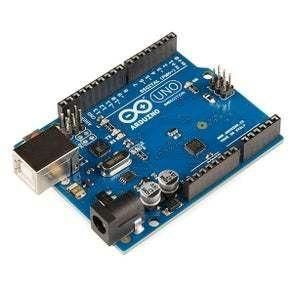
Arduino UNO (Or any other Arduino)
Visuino program: Download Visuino
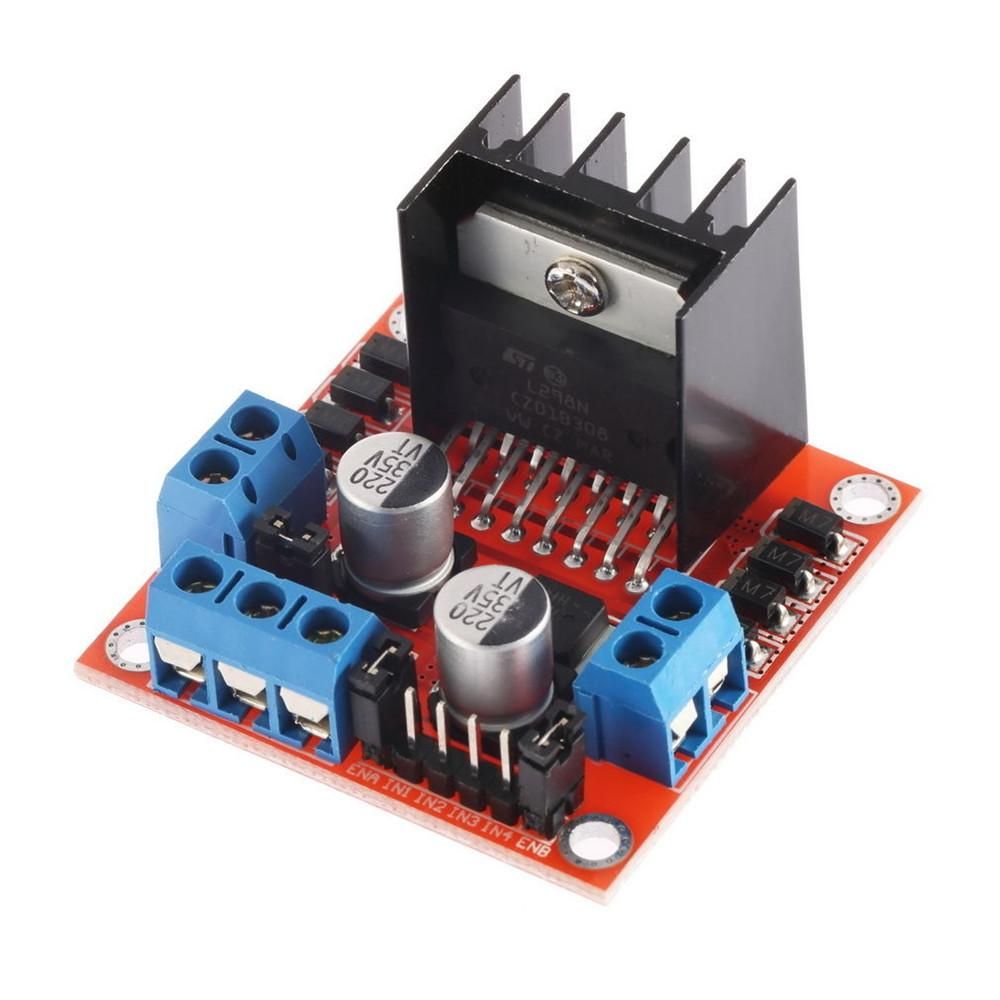
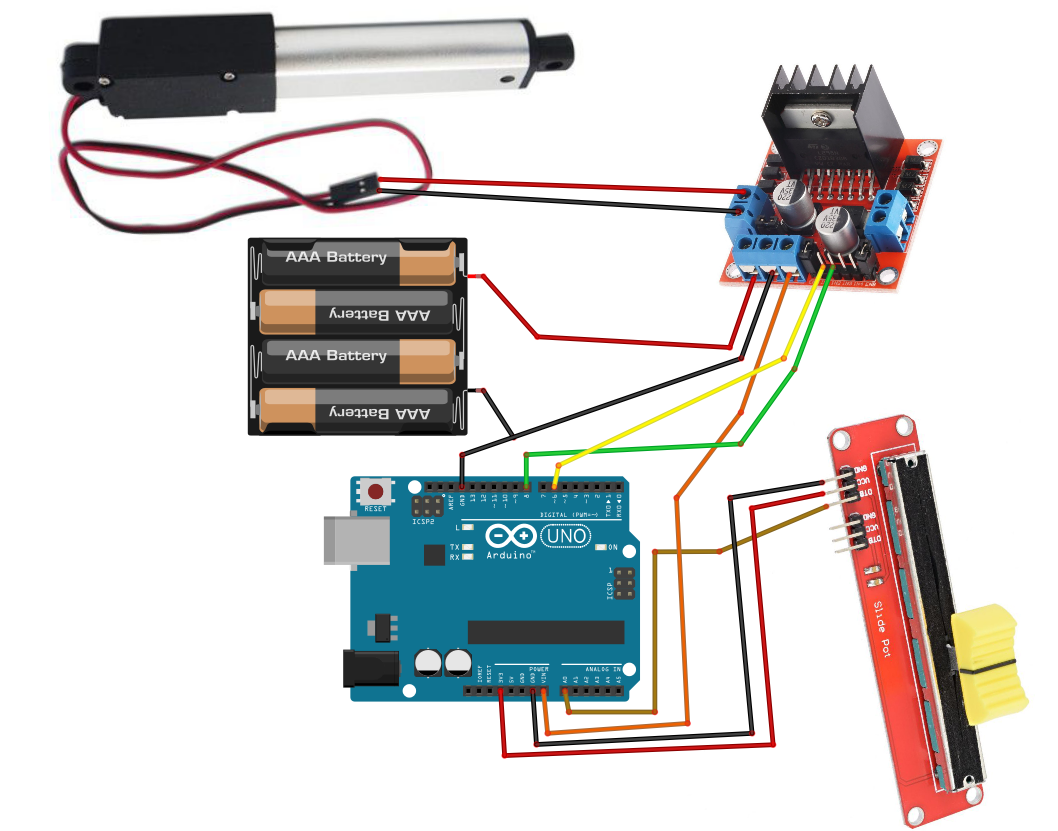
Connect the power supply (batteries) pin (gnd) to the motor driver controller pin (gnd)
Connect the power supply (batteries) pin (+) to motor driver controller pin (+)
Connect the power supply (batteries) pin (+) to the Arduino pin (VIN)
Connect GND from the Arduino to the motor driver controller pin (gnd)
Connect digital pin(6) from Arduino to motor driver pin (IN1)
Connect digital pin(8) from Arduino to motor driver pin (IN2)
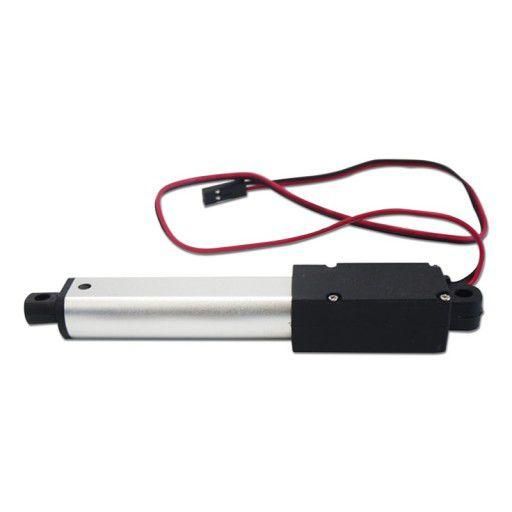
Connect the linear actuator to the motor driver, as you can see on the schematic
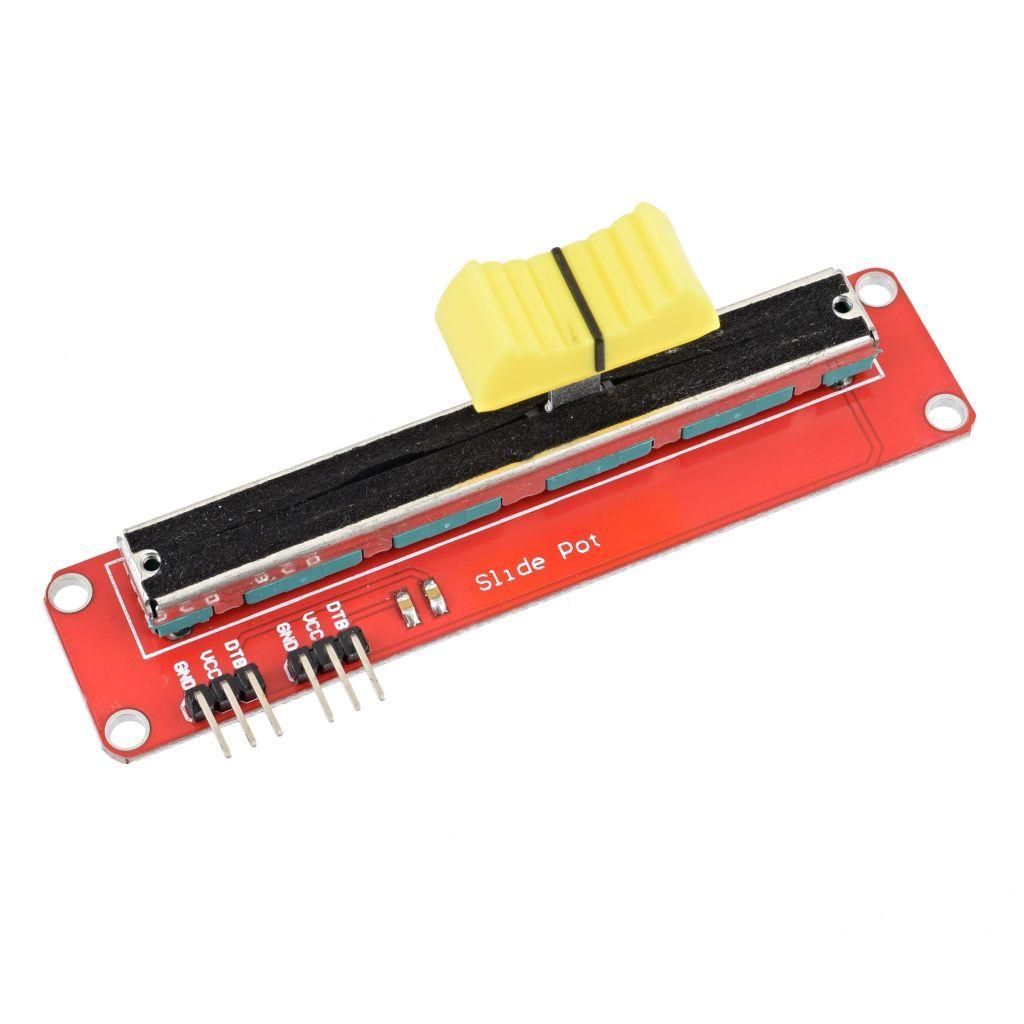
Connect the potentiometer pin [DTA] to arduino analog pin [A0]
Connect the potentiometer pin [VCC] to the breadboard positive pin [5V]
Connect the potentiometer pin [GND] to the breadboard pin [GND]
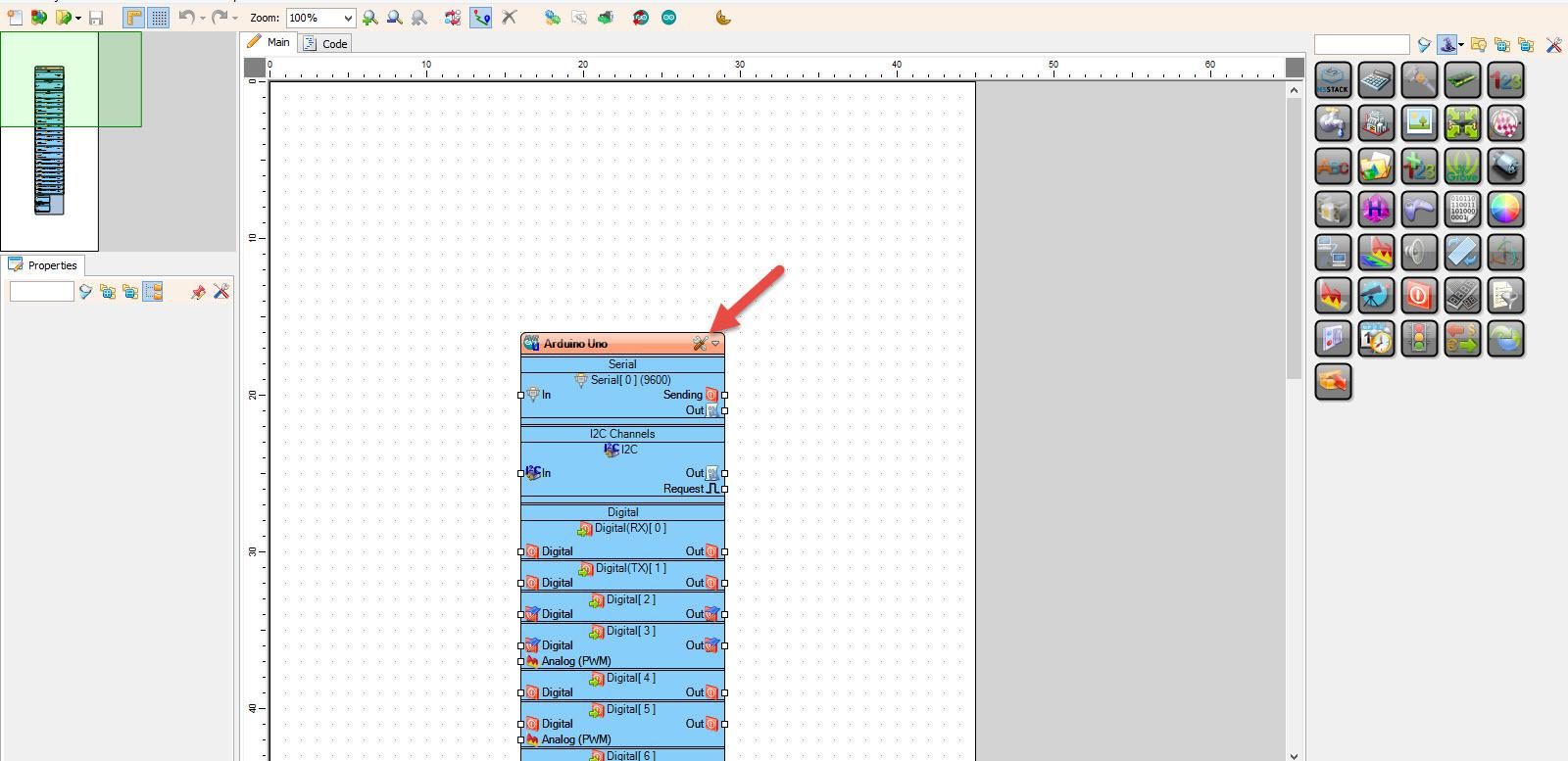
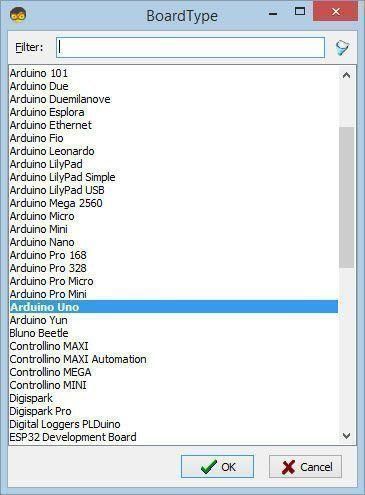
Start Visuino as shown in the first picture. Click on the "Tools" button on the Arduino component (Picture 1) in Visuino. When the dialog appears, select "Arduino UNO" as shown in Picture 2
Add "Dual DC Motor Driver Digital and PWM Pins Bridge (L9110S, L298N)" component
Add "Ramp To Analog Value" component
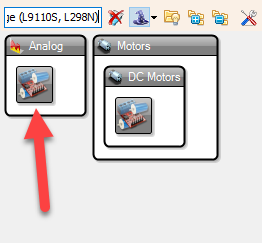
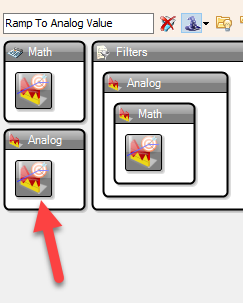
Connect Arduino Analog pin [0] to "RampToValue1" pin [In]
Connect "RampToValue1" pin [Out] to "DualMotorDriver1" > Motors [0] Pin [In]
Connect "DualMotorDriver1" > Motors [0] Pin [Direction]" to Arduino digital pin[8]
Connect "DualMotorDriver1" > Motors [0] Pin [Speed]" to Arduino digital pin Analog PWM[6]
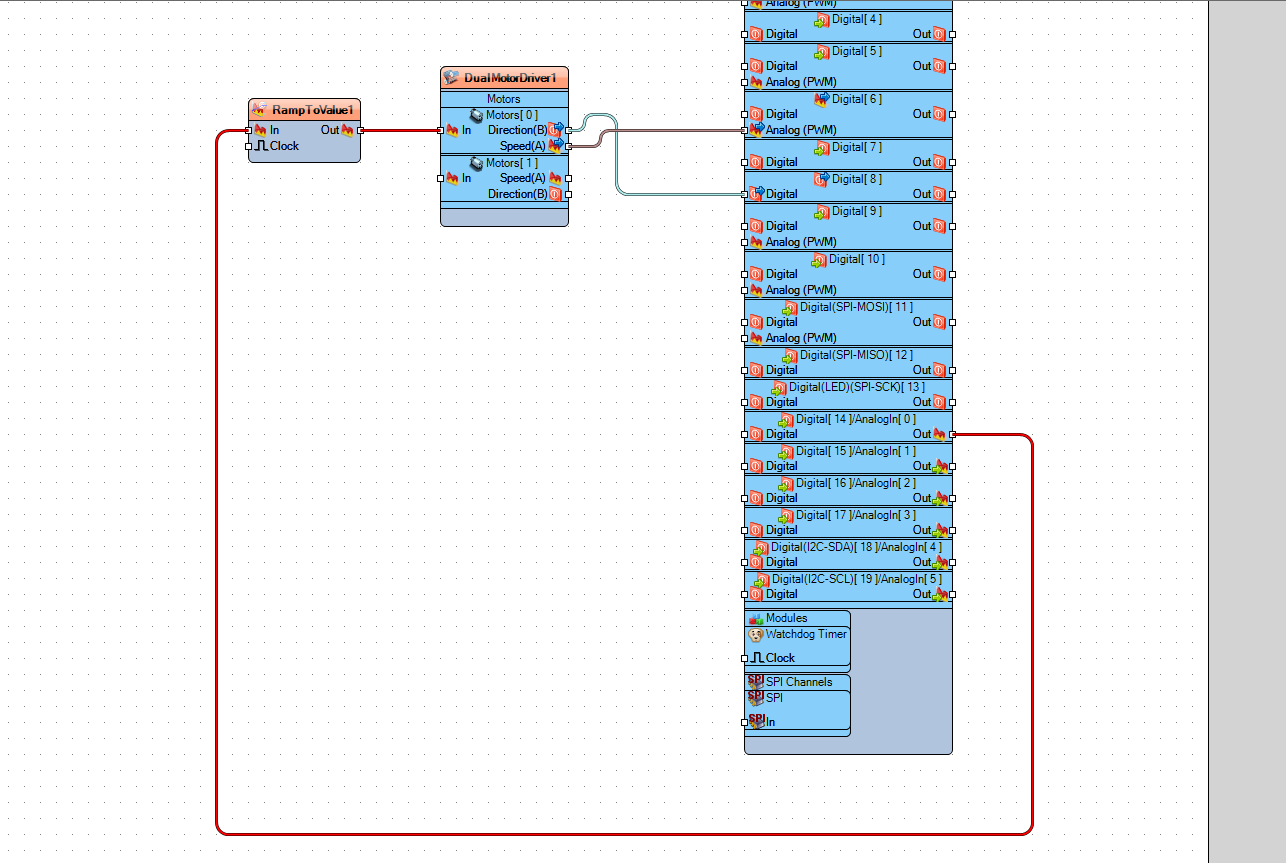
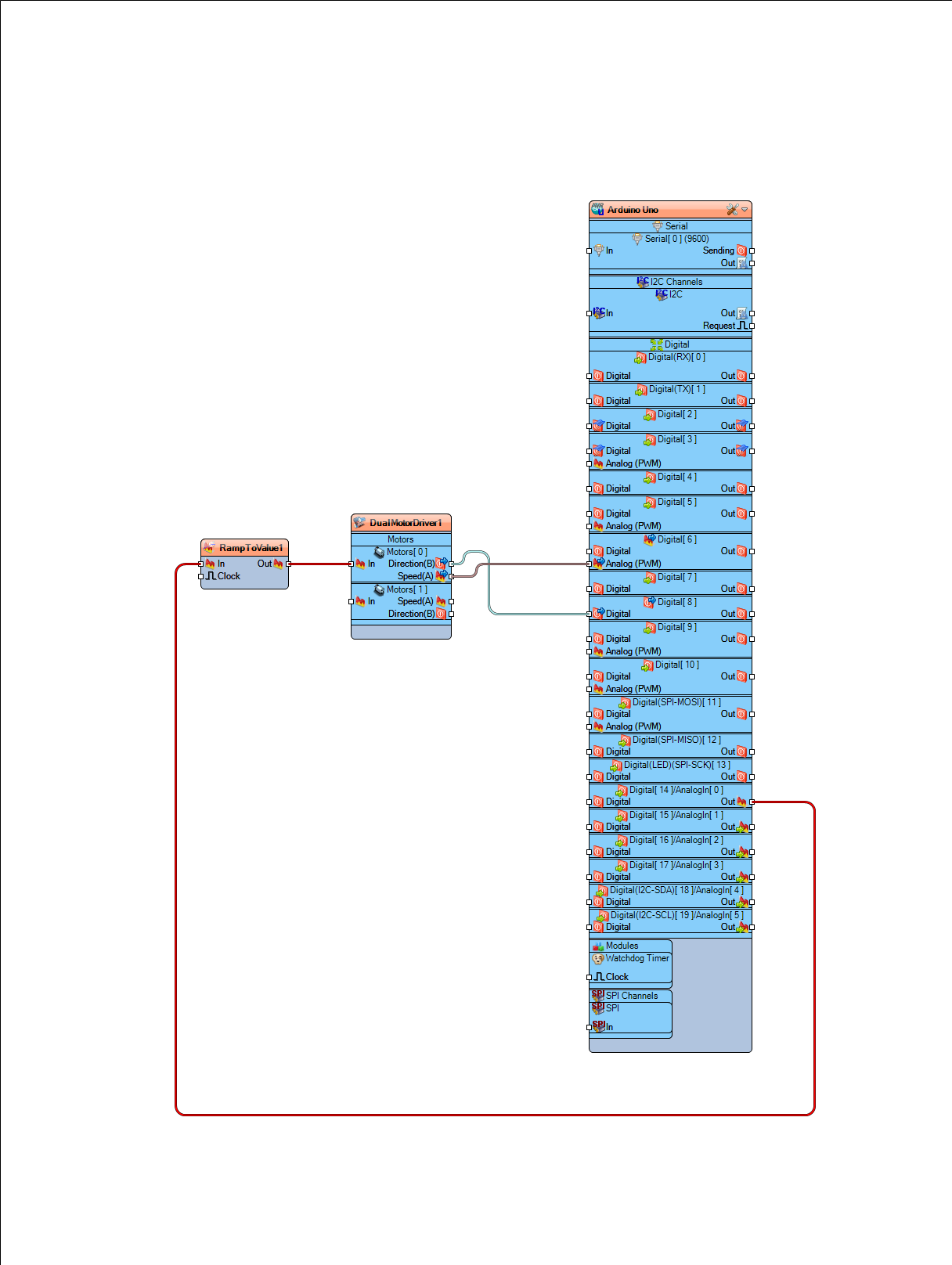
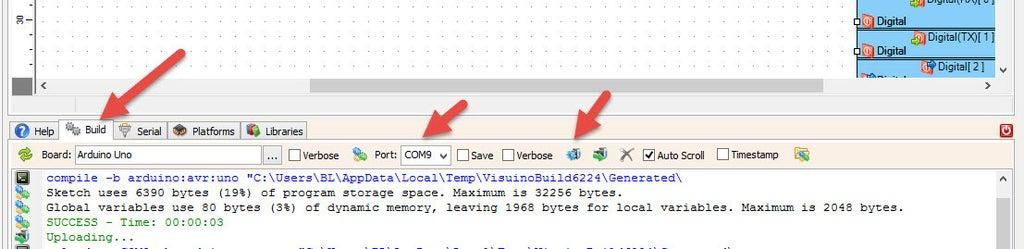
In Visuino, at the bottom, click on the "Build" tab, make sure the correct port is selected, and then click on the "Compile/Build and Upload" button.
If you power the Arduino module and change the potentiometer position, then the linear actuator will start to move in one direction, and if you move the potentiometer position to the other side, it will reverse.
Congratulations! You have completed your project with Visuino. Also attached is the Visuino project that I created for this. You can download it here and open it in Visuino: https://www.visuino.eu